Product Tour

See Bay Bench In Action

Explore how Bay Bench helps independent repair shops manage customers, repair orders, technicians, diagnostics, inventory, business reporting, and much more — all from one platform.

How Bay Bench works

One platform, every part of the shop

Tap Learn more on any card to expand it — no new tabs, no leaving the page.

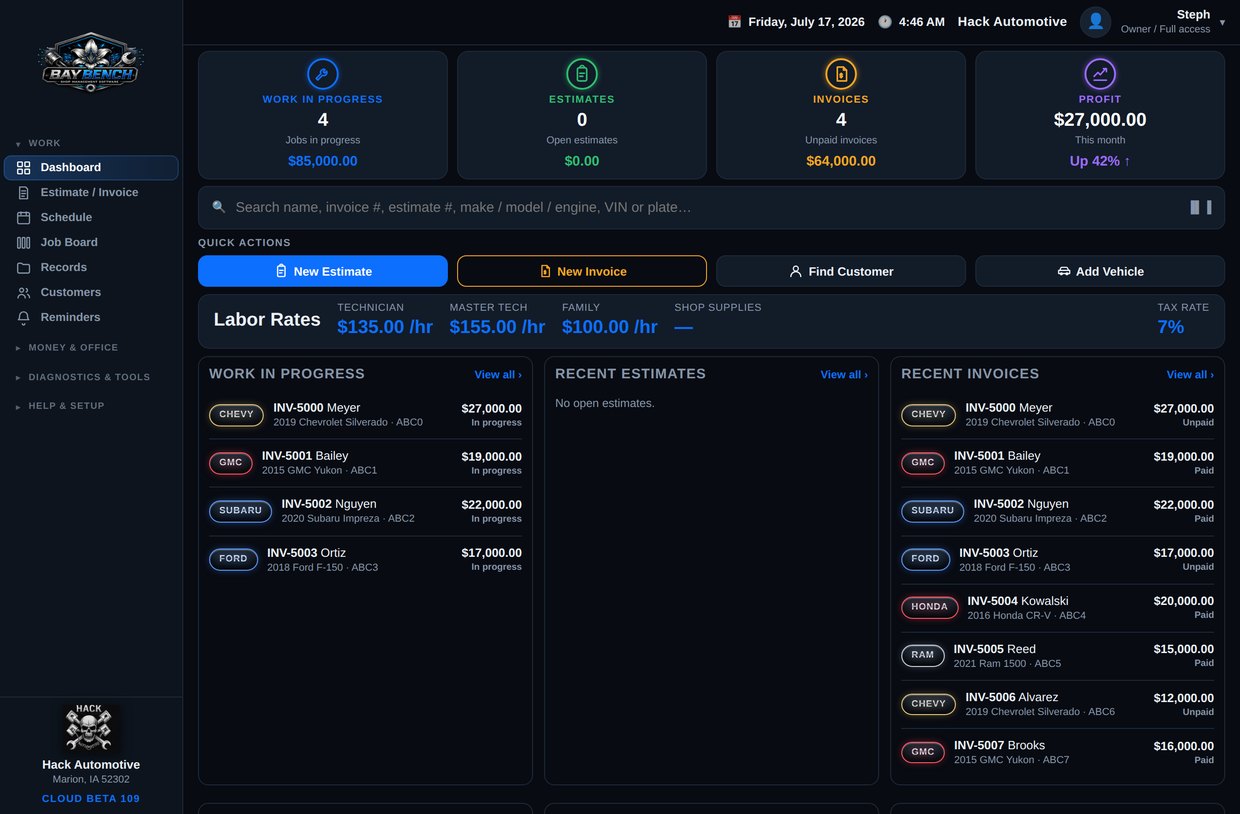
Dashboard screen in Bay Bench

Dashboard

Your whole shop at a glance the moment you log in.

See today’s schedule, jobs waiting on approval, vehicles waiting on parts, and what’s ready for pickup — all on one screen. Owners get a KPI view; each team member sees only what their role needs.
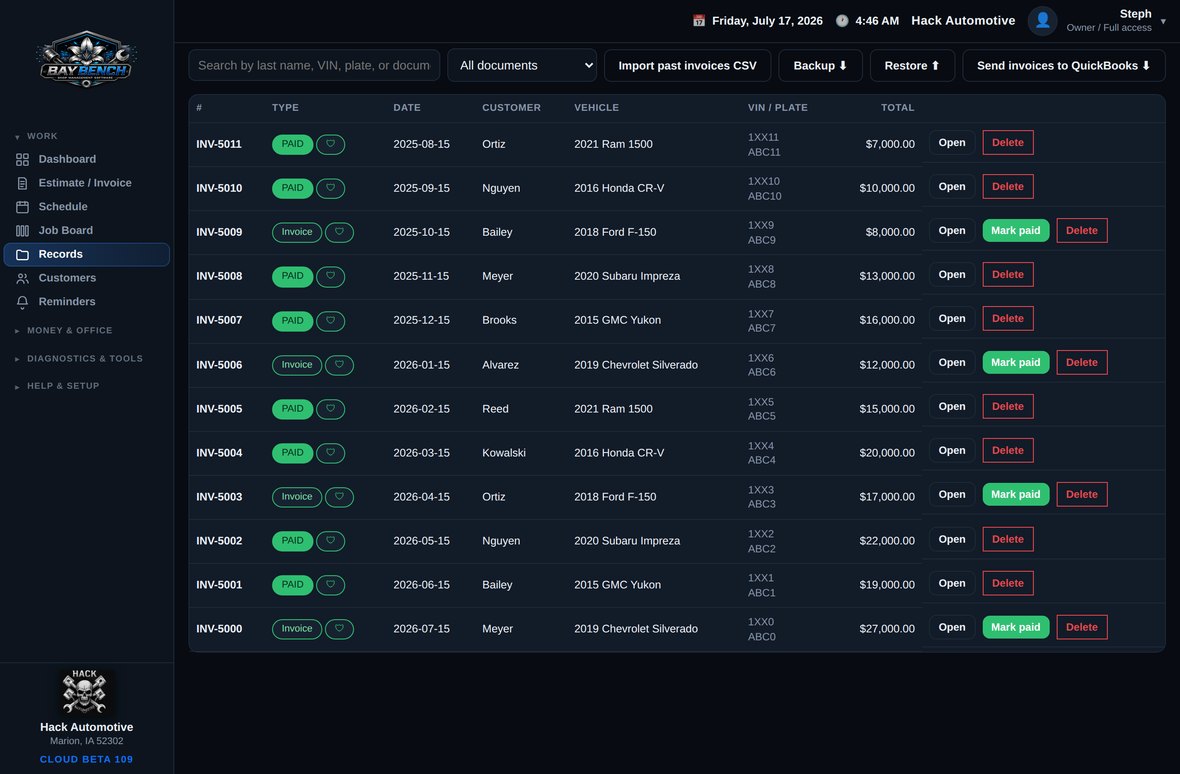
Repair Orders screen in Bay Bench

Repair Orders

From estimate to invoice in one connected flow.

Build an estimate, send it for approval, turn it into a live repair order, add parts and labor, capture a signature, and invoice — without ever retyping the same information twice.
Customers & Vehicles screen in Bay Bench

Customers & Vehicles

Every customer, vehicle, and service history in one place.

Full service history per vehicle, VIN decode, contact details, and past approvals — pulled up in seconds at the counter or on your phone in the bay.
Interface mockup
Job board

Scheduling

Plan the day and keep every bay full.

An organized job board — In, Approved, Waiting on Parts, Ready — plus an appointment view so nothing slips through the cracks.
Interface mockup
Parts & supplies

Inventory

Track parts, shop supplies, and purchase orders.

Keep counts on the parts and supplies you reorder, raise purchase orders, and tie parts directly to the repair order they belong to.
Interface mockup
Owner reports

Reports

Know exactly how the shop is performing.

Owner dashboard and reports for sales, technician productivity, expenses, and time-clock activity — the numbers that actually run the business.
Shop workflow

From the moment a car pulls in

Every step of a repair, start to finish, lives in one connected flow.

1

Customer Arrives

The vehicle comes in and you pull up — or create — the customer and vehicle record.

2

Create Estimate

Build a quote with parts and labor. Templates and VIN lookup make it fast.

3

Customer Approval

The customer approves the work from their phone with a tap and a signature.

4

Repair Order

The approved estimate becomes a live repair order on the board.

5

Technician Assignment

Assign the job to a tech and it appears in their work queue.

6

Parts & Labor

Add parts, log labor hours, and track everything the job needs.

7

Quality Check

A final inspection before the vehicle heads back to the customer.

8

Invoice

The repair order turns into a clean invoice — no retyping.

9

Payment

Record the payment and close out the ticket.

10

Follow-up Reminder

Automatic reminders and review requests keep customers coming back.

Scroll sideways to follow the full workflow →
Concept Preview

The Future of Independent Repair Shops

Bay Bench Intelligence is a preview of where we’re headed. These features are currently in development and are not available in Bay Bench today.

AI Suggestions

Context-aware next steps and repair tips based on the exact job in front of you.

Labor Intelligence

Realistic labor-time guidance that reflects how long jobs actually take in working shops.

Community Repair Patterns

Anonymous, shop-verified patterns of what commonly resolves a given symptom or code.

Companion Repairs

The related work usually done alongside a repair, so nothing gets missed.

Business Insights

Plain-language insight into how the shop is trending and where to focus next.

Predictive Maintenance

Get ahead of the next service a vehicle is likely to need.

Nothing here shows live shop numbers — it’s a look at the direction of the product. We’ll only turn a feature on once it genuinely helps inside a real shop.

Built for every device

Works wherever the shop happens

Same shop, same data — on the counter computer, a tablet in the bay, or the phone in your pocket.

Bay Bench on desktop

Desktop

The full command center for the front counter and the office.

Bay Bench on a tablet

Tablet

Walk the lot doing inspections and pulling up records right at the vehicle.

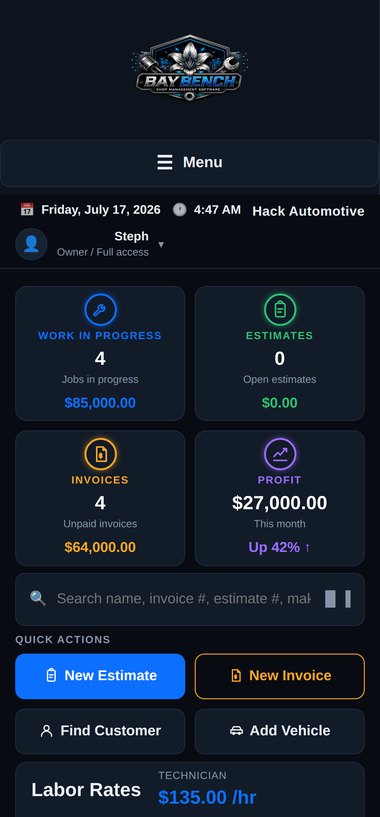
Bay Bench on a phone

Phone

Run the essentials from your pocket, wherever the work takes you.

Questions

Frequently asked questions

Can I import my existing customers?

Yes. You can add your customers and vehicles into Bay Bench, and each vehicle keeps its own full service history from then on. If you have a large list, reach out and we’ll help you get set up.

Does Bay Bench work for mobile mechanics?

Absolutely. Bay Bench runs in any web browser on any device, so a mobile mechanic can estimate, get approvals, and invoice right from a phone or tablet on the job.

Can multiple technicians work at once?

Yes. Paid plans support multiple users, and each person signs in with their own role — owners see everything, while technicians see the jobs and tools they need.

Do I need special hardware?

No. There’s nothing to install and no special equipment to buy. If you have a phone, tablet, or computer with a web browser, you can run Bay Bench.

Can I use Bay Bench from home?

Yes. Because it’s cloud-based, you can check on the shop, review reports, or follow up with a customer from home or anywhere else with an internet connection.

How secure is my data?

Your shop’s data is walled off from every other shop, backed up in the cloud, and yours to export any time. Each shop only ever sees its own information.

Ready To See Bay Bench In Your Shop?

Start free today, or join the shops helping shape where Bay Bench goes next.